Jailbreaking an iPhone 6 Plus in 2026
Got my hands on an old iPhone 6 Plus. Documenting how to jailbreak one... in 2026

I Got an iPhone!
I’ve never had the chance to tinker with an iOS device before this. Mostly due to how high Apple places their price tags on these devices, they were way out of reach for me growing up. Fortunately, I recently got hands on one! But… it’s an old iPhone 6 Plus that was released is 2014 and the year is 2026 😬.
The 6 Plus supports up to iOS 12.5.8, and as of writing this, most apps on the App Store are no longer supported. Tough luck if you’re considering using it as a daily driver XD.
But for the purpose of getting started with iOS hacking, I think it’s sufficient for someone just getting started, and for them to familiarise themselves with jailbreaking and how the iOS ecosystem works.
Jailbreaking The Device
I’m not going to go into detail how a jailbreak works (frankly jailbreaking exploits are way out of my league here), as there are many online resources out there that does a good job at explaining it. But for this device, the jailbreak we’re going to use is checkra1n, which is a semi-tethered jailbreak. This means that we’ll have to attach the device to a computer and jailbreak it every time it’s rebooted.
For the list of available jailbreaks for each iOS device, see here: The Apple Wiki
Using the checkra1n is pretty straightforward:
- I’ll grab the latest version of checkra1n from their website.
- Attach the iOS device to my laptop and launch checkra1n.
- Follow the instructions on screen and wait for magic hax to happen.
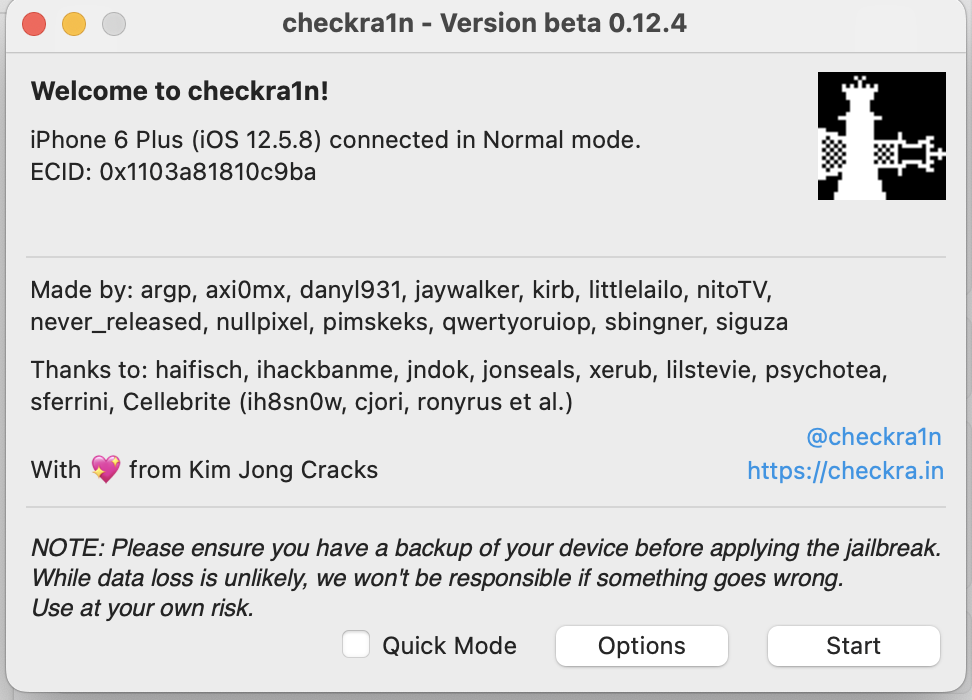 checkra1n landing page
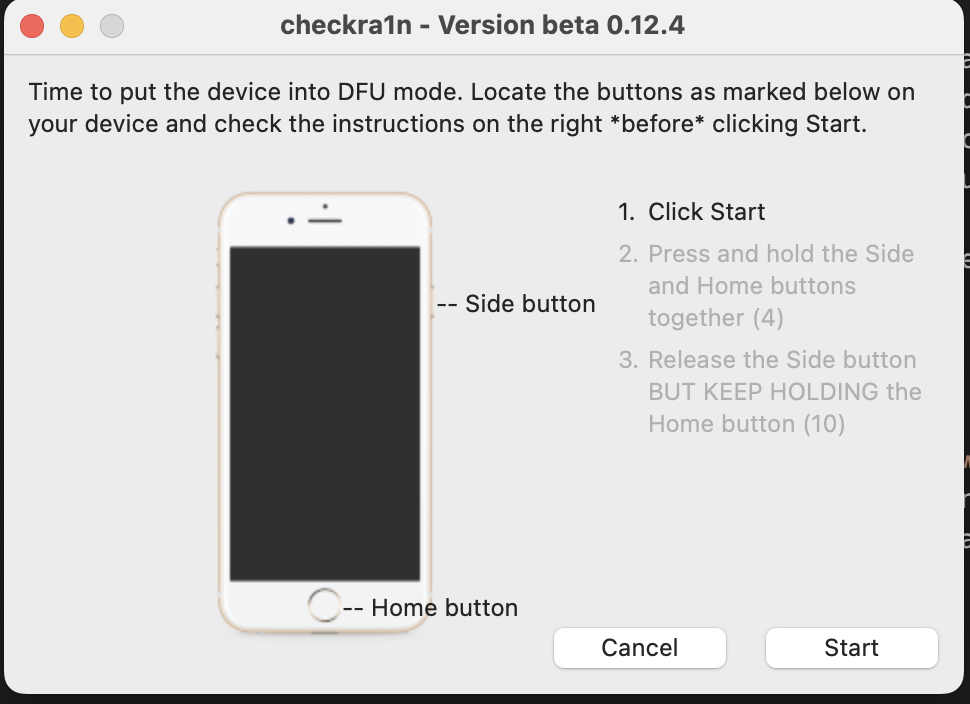 Just follow the instructions to boot into DFU mode
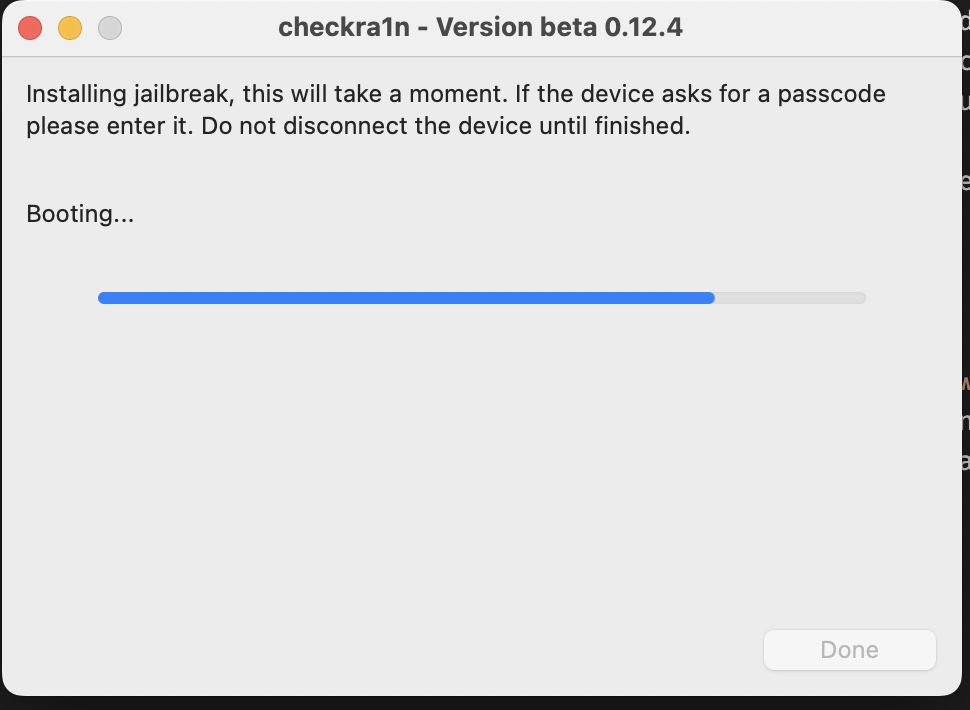 Magic hacks
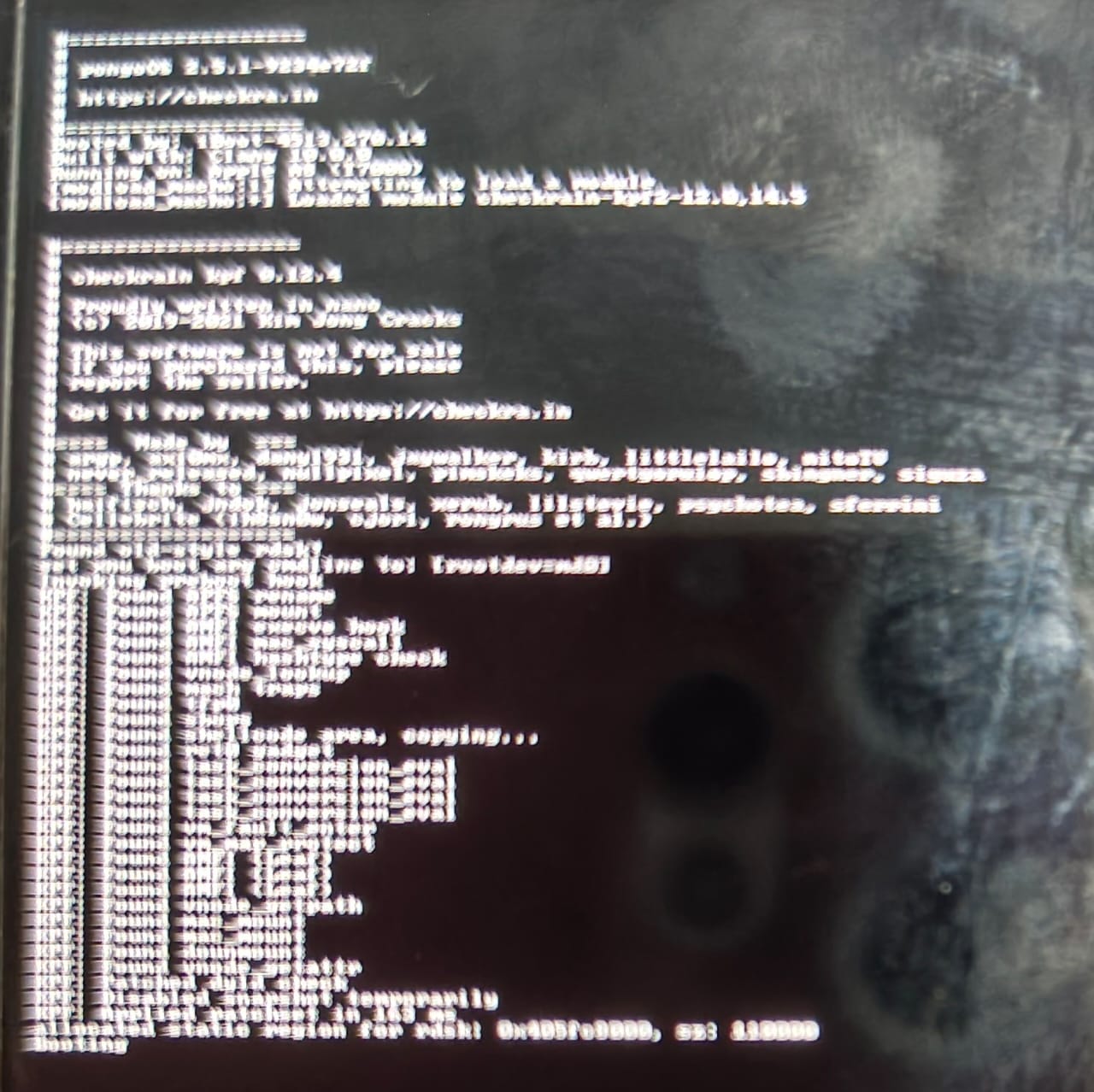 I have no idea what it’s doing but it looks cool
Once the jailbreak is done, I can connect to the SSH service listening locally on port 44 to get a root shell. By default the password is alpine. After this you can start configuring your tooling for your research device, like installing your Burp CA and Frida agent.
1
2
3
4
5
6
7
┌──(benkyou👻trashbox)-[~]
└─$ iproxy 2222 44
Creating listening port 2222 for device port 44
waiting for connection
New connection for 2222->44, fd = 4
waiting for connection
Requesting connection to USB device handle 1 (serial: f8cd2e96cac9b2a01e1464dfe89136cac54d6ee7), port 44
1
2
3
4
5
┌──(benkyou👻trashbox)-[~]
└─$ ssh -p 2222 root@127.0.0.1
root@127.0.0.1's password:
ps-iPhone:~ root# id
uid=0(root) gid=0(wheel) groups=0(wheel),1(daemon),2(kmem),3(sys),4(tty),5(operator),8(procview),9(procmod),20(staff),29(certusers),80(admin)